
AI-Powered Searchable Memory for Google Meet
Google Meet transcripts save as files. Datarag Meet makes them searchable.
Ask questions. Get AI-powered answers. From any meeting.
Google Meet saved a transcript to someone's Drive folder.
Which meeting? Whose folder? What file name?
We made them searchable in your browser.
Ask questions. Get AI answers. From any meeting.
How it works:
Turn scattered Google Meet transcripts into searchable memory
Auto-Save Every Google Meet Transcript
Enable live transcription in Google Meet. Datarag Meet captures it automatically.
- ■No bot joining your call
- ■No downloading files
- ■Every standup, client call, and brainstorm—saved permanently
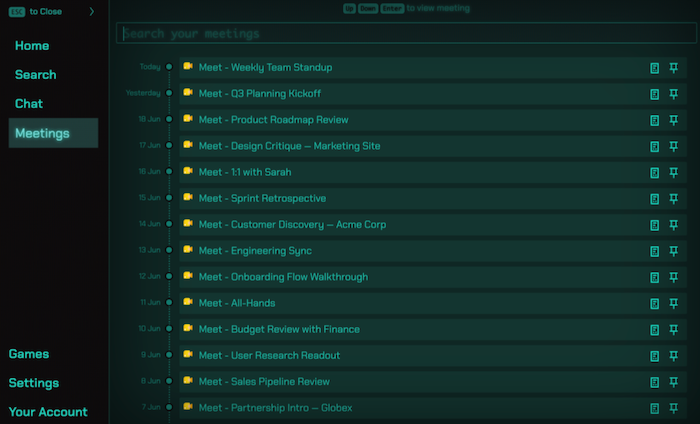
AI-Powered Search Across Your Meeting History
This is where Google Meet transcript files stop and Datarag Meet starts.
- ■Ask: 'What did we decide about the redesign timeline?'
- ■Get AI-powered answers from months of transcripts. Instantly.
- ■Searchable memory, not scattered documents
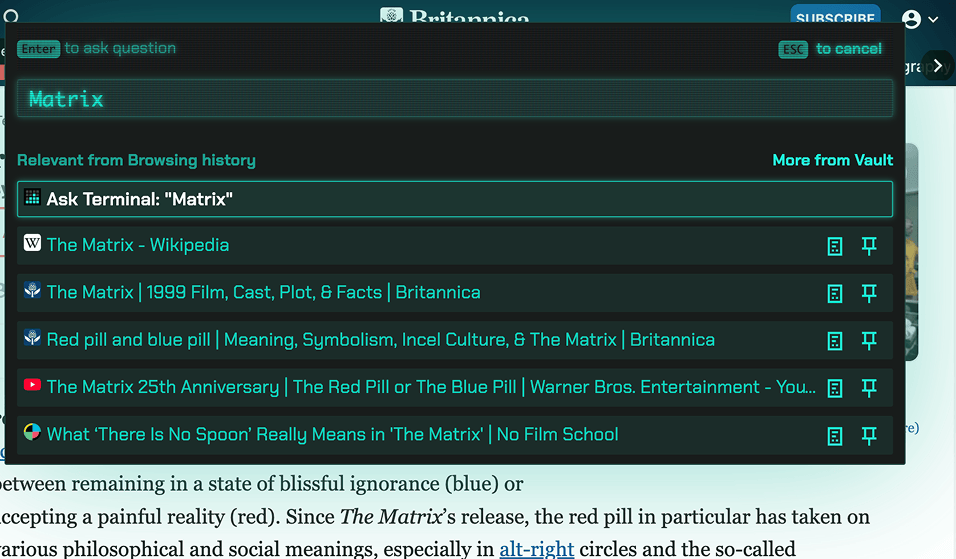
Pin Google Meet Transcripts for Focused Context
Working on a specific project? Pin those relevant meetings.
- ■Ask: 'What features did the client request?'
- ■Search only your pinned transcripts—not every random standup
- ■Answers from the exact context you need
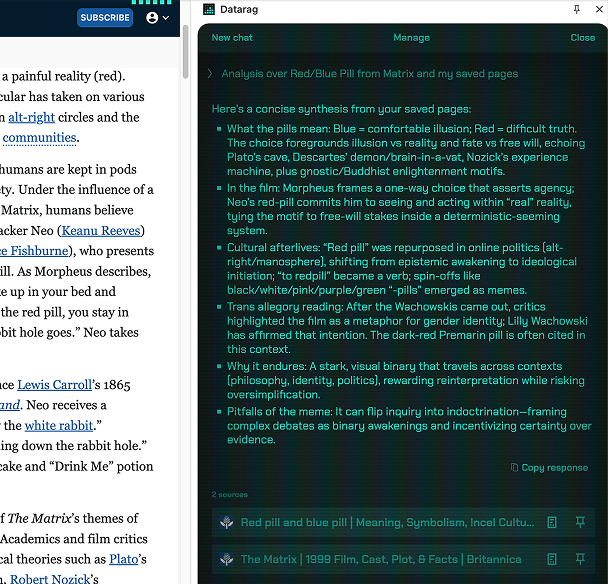
Recall What You Discussed Last Time
Joining your weekly sync? See what was covered in previous sessions automatically.
- ■'What were the action items from our last sprint planning?'
- ■Your recurring meetings finally have memory
- ■Context carries forward
Your Data Stays Encrypted
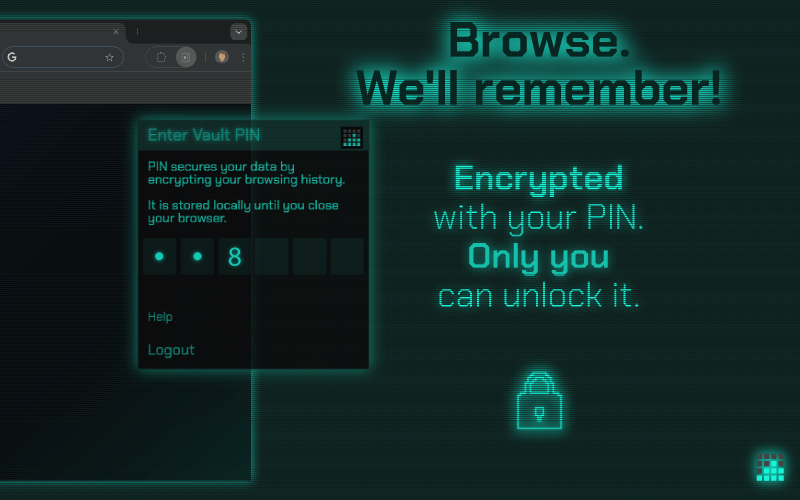
All Google Meet transcripts encrypted with your personal PIN.
- ■We cannot access your data
- ■Your PIN never leaves your device
- ■Zero-knowledge encryption—completely private
Sync Everywhere
Saved on your laptop? Search from your desktop.
- ■Works across all Chromium browsers (Chrome, Edge, Brave) and Mozilla Firefox
- ■Your meeting history follows you
Perfect for:
Teams Tracking Decisions
Across multiple calls and client meetings
Anyone Searching Drive
Who's found 'meeting notes' and discovered chaos
Project Managers
Who need context from previous sessions
Remote Teams
Where finding what was said in Google Meet transcripts actually matters
Your meetings are full of decisions, commitments, and context.
Make them findable.
Simple Pricing
One plan. Everything included. No hidden fees.
The Plan
30-day free trial • Cancel anytime
- Unlimited meetings history
- Search across all meetings
- AI chat with your meetings
- Google Meet transcription recall
- PIN encrypted data
- Cross-device sync
- Fair usage AI features
// No credit card required for trial
Frequently Asked Questions
Everything you need to know about Datarag Meet
No! Datarag Meet works with Google Meet's built-in live transcription feature. No bots, no extra participants, no awkward 'Recorder has joined the meeting' moments. Just enable Google Meet's live transcription and we automatically save it.
The moment you enable live transcription in Google Meet, Datarag Meet starts saving it automatically. No manual downloads. No worrying about closing the tab too early. Last week's standup? Still there. Three months of client calls? All saved. That decision from Q2 planning? Right here in your searchable knowledge base.
Your data cannot be recovered if you forget your PIN, and your data will have to be reset. This is the trade-off of true zero-knowledge encryption. Not even we can access your data to recover it. We recommend storing your PIN securely in a password manager.
Yes! Search across every Google Meet transcript you've ever saved. Ask questions like 'What did we decide about the redesign timeline?' or 'budget discussions from Q3' and get instant results. Your Google Meet transcripts become an actual searchable knowledge base.
Working on a specific project? Pin those Google Meet transcripts. Then ask questions like 'What features did the client request?' Datarag Meet searches only your pinned meetings, giving you answers from the exact context you need instead of searching through every meeting you've ever had.
Yes! Joining your weekly sync? Datarag Meet shows you what was discussed in previous sessions. Ask questions like 'What did we cover in last week's standup?' or 'What were the action items from our last sprint planning?' Your recurring meetings finally have memory.
Yes! Saved a Google Meet transcript on your laptop? Search it from your desktop. Your meeting history syncs across all your devices. Compatible with all Chromium-based browsers (Chrome, Edge, Brave, etc.) and Mozilla Firefox.
No, the displayed prices are before tax. Applicable taxes will be added at checkout based on your location.
Still have questions?
Google Meet saves files to Drive.
Datarag Meet makes them AI-searchable.
Actually searchable. Actually useful. Actually yours.